

In the Shopify Theme Editor, choose Theme settings > Animations, edit settings. Changes appear in the preview. Click Save to publish them.
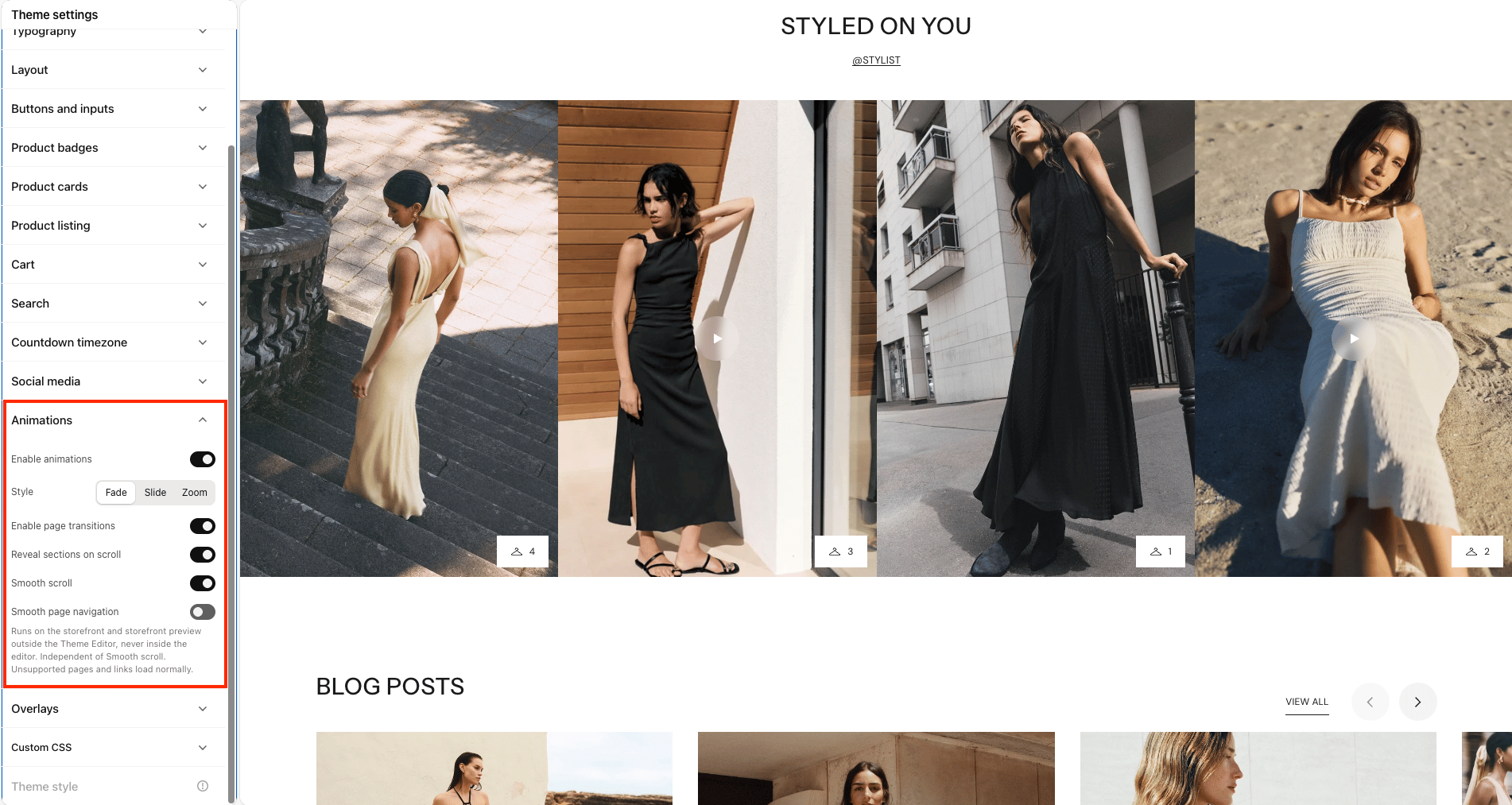
- Enable animations: Enable animations for the whole store.
- Style: Choose Fade, Slide, Zoom.
- Enable page transition: Animate between page loads.
- Reveal sections on scroll: Reveal sections into view as the visitor scrolls.
- Smooth scroll: Give a smooth scrolling on page.
- Smooth page navigation: Speed up the page loading that doesn’t require page reloading. Run on the storefront and storefront preview outside the Theme Editor, not inside the editor. Independent of Smooth scroll setting above. Unsupported pages and links load normally.