

In the Shopify Theme Editor, choose Theme settings > Overlays, edit settings. Changes appear in the preview. Click Save to publish them.
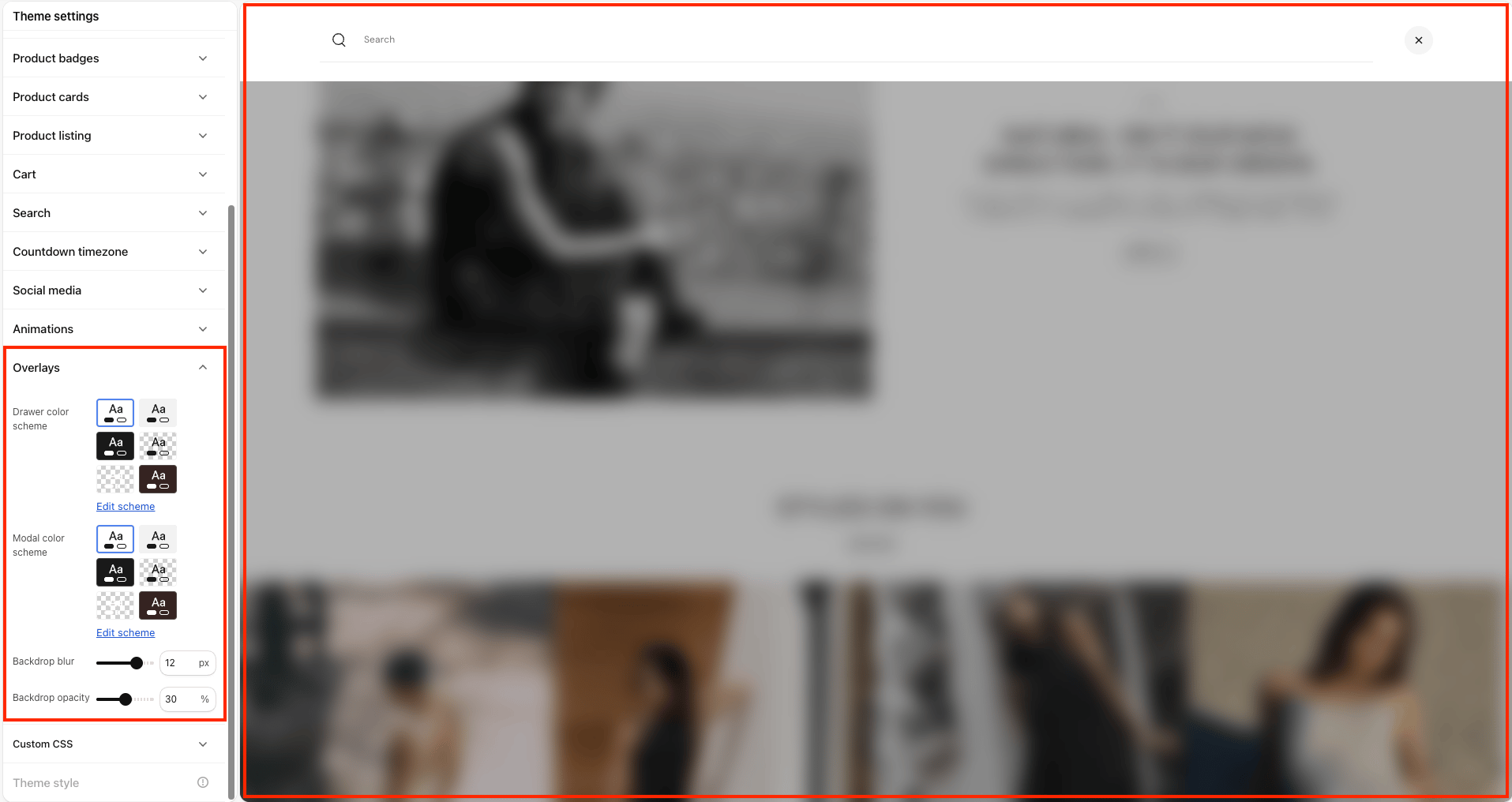
- Drawer color scheme: Set the color scheme for drawers (e.g., cart drawer).
- Modal color scheme: Set the color scheme for modals (e.g., quick view).
- Backdrop blur: Blur the page content behind an open modal/drawer, from 0–16px.
- Backdrop opacity: Darken the page content behind an open modal/drawer, from 0–60%.