

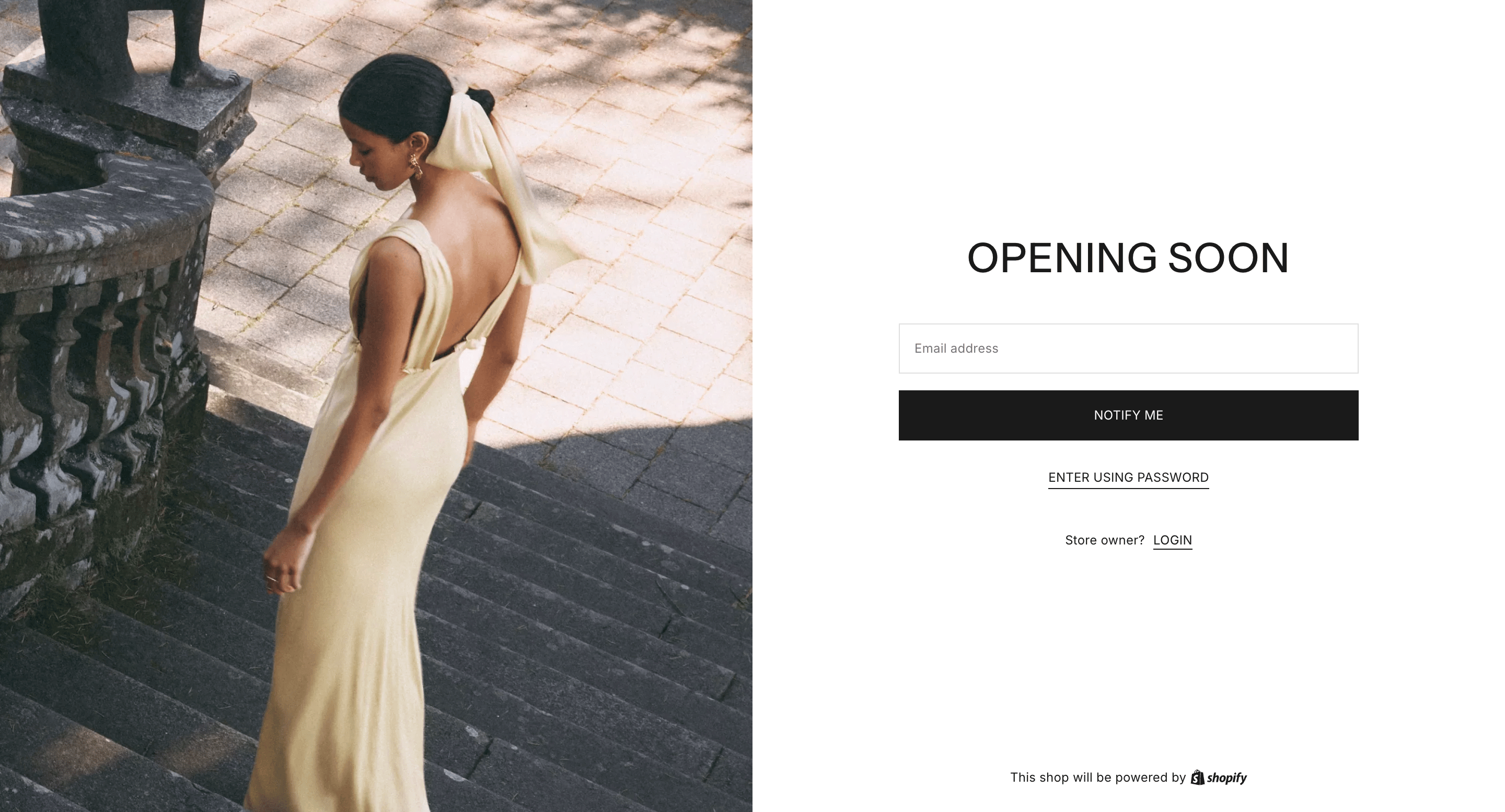
In the Shopify Theme Editor, open the Password page template and select Password page to edit its settings. Changes appear in the preview. Click Save to publish them.
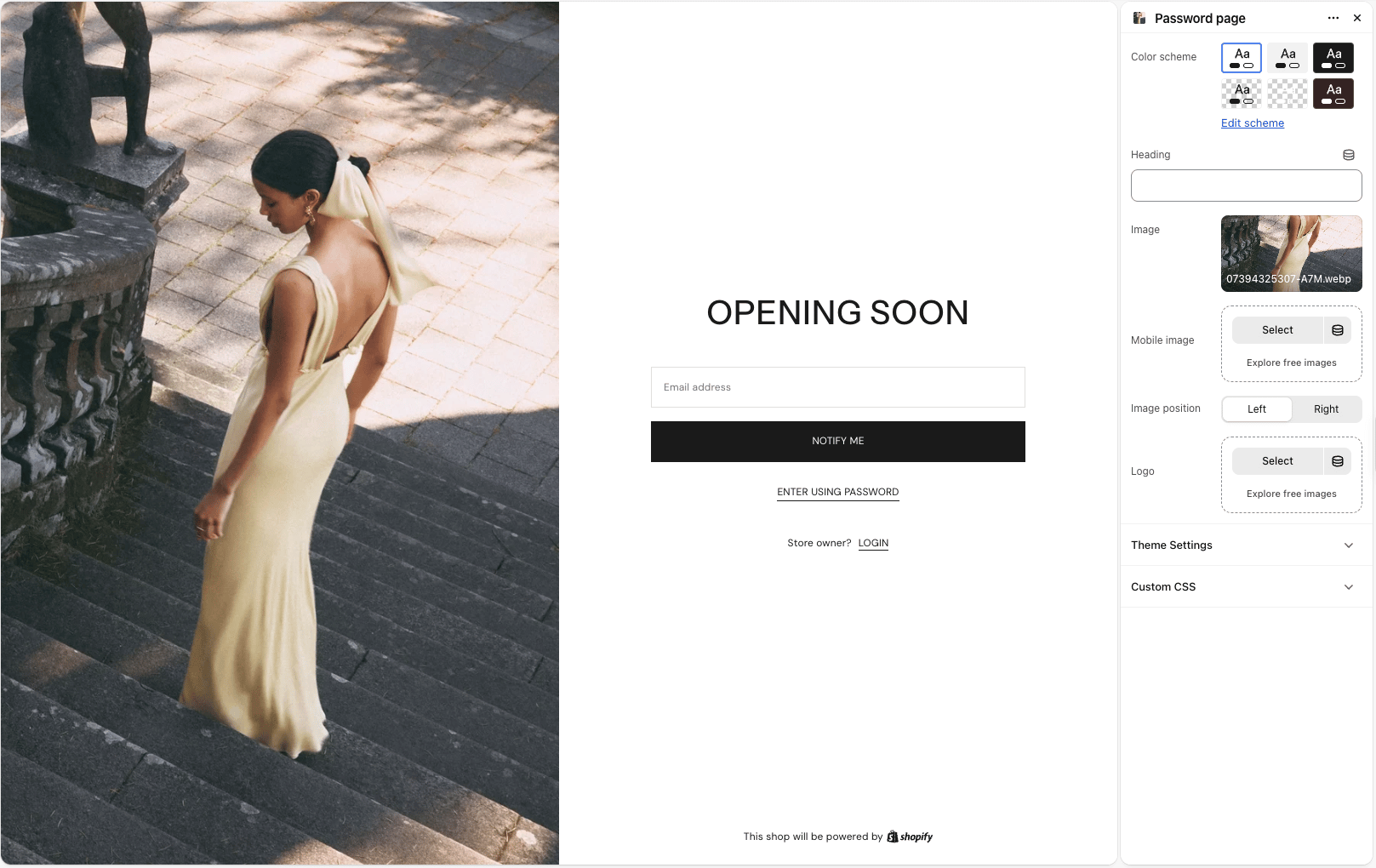
Color scheme
Choose the color scheme used by the section. The available color schemes depend on the color schemes configured in Theme settings.Heading
Enter the heading displayed on the password page.Image
- Image: Select the main image to display on the password page.
- Mobile image: Select an image to use on mobile screens.
- Image position: Place the image on desktop Left or Right.
Logo
- Logo: Select the logo to display on the password page.
- Logo width: Choose a width from 40–300px.
- Mobile logo width: Choose a width from 40–200px.