

What is Savvy?
Savvy is built for merchants who want a clean, conversion-focused storefront that puts their products front and center. From flexible homepage layouts to fashion-specific features like size guides, color swatches, and lookbook sections, Savvy is designed to give your brand a polished, professional presence — without needing a developer.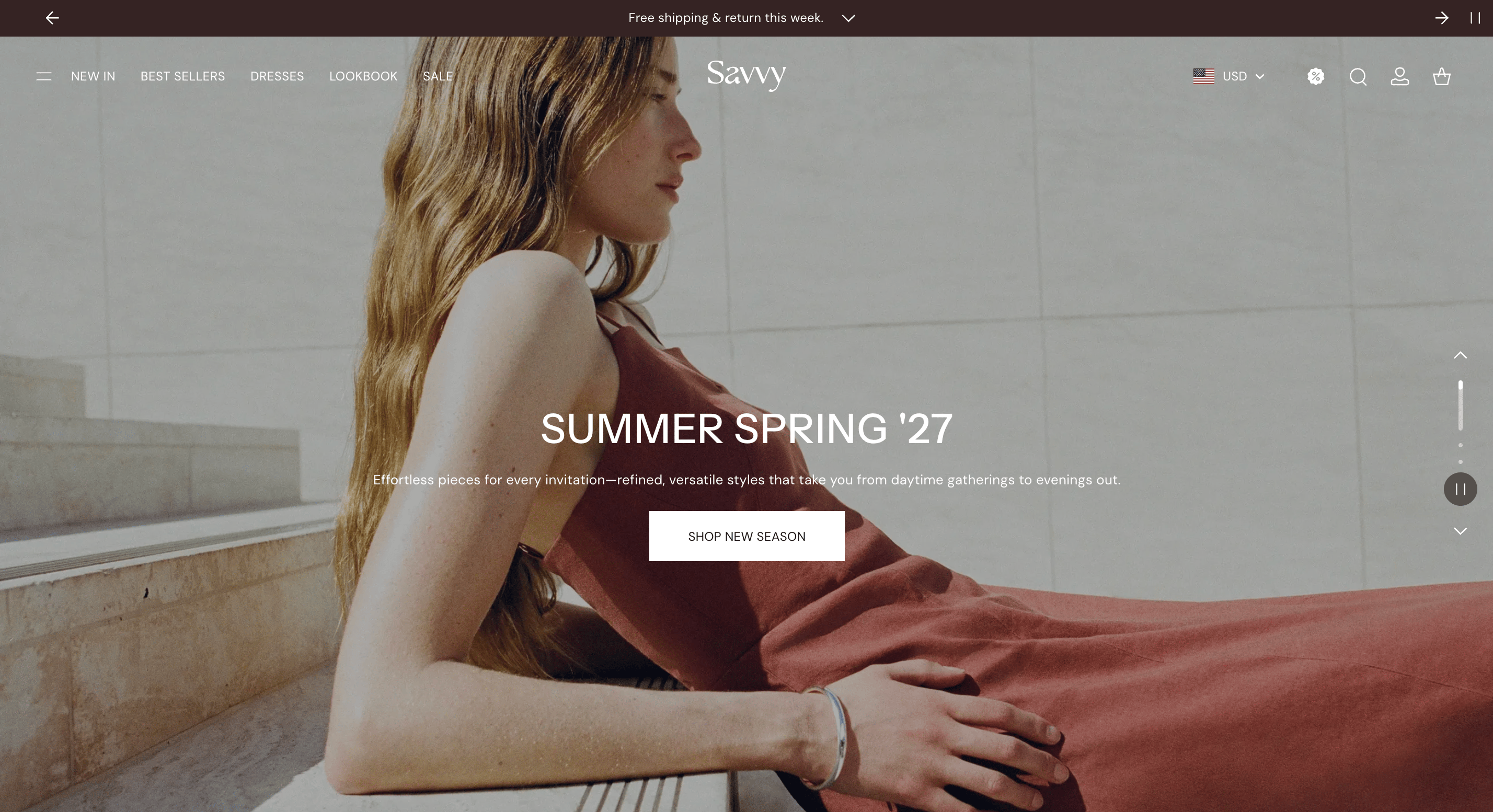
What you’ll find in this documentation
This documentation covers everything you need to set up, customize, and get the most out of Savvy:GETTING STARTED
Understand the theme, how to install, publish and update the theme.
THEME SETTINGS
The global look and behavior of your store. Applied everywhere.
GLOBAL SECTIONS
Sections and features that appear across your store.
THEME SECTIONS
Sections and blocks available in the theme editor.
PAGES
Sections and blocks available for particular pages.
GET SUPPORT
Support policy, how to contact support, and request a project.
How to use this documentation
Each article focuses on one feature or area of the theme. If you’re setting up Savvy for the first time, we recommend starting with the Getting Started section and working through the articles in order. If you’re looking for something specific, use the search bar at the top of the page. Tips and notes are included throughout the documentation to help you avoid common mistakes and get the best results from each feature.Need more help?
If you’ve read the relevant article and still can’t find what you’re looking for, our support team is here to help.- Browse the documentation using the search bar before submitting a request — most common questions are already answered here.
- If you’ve found a bug or something isn’t working as expected, contact us at https://starfy.io/contact with a description of the issue, your store URL, and the steps to reproduce the problem.