

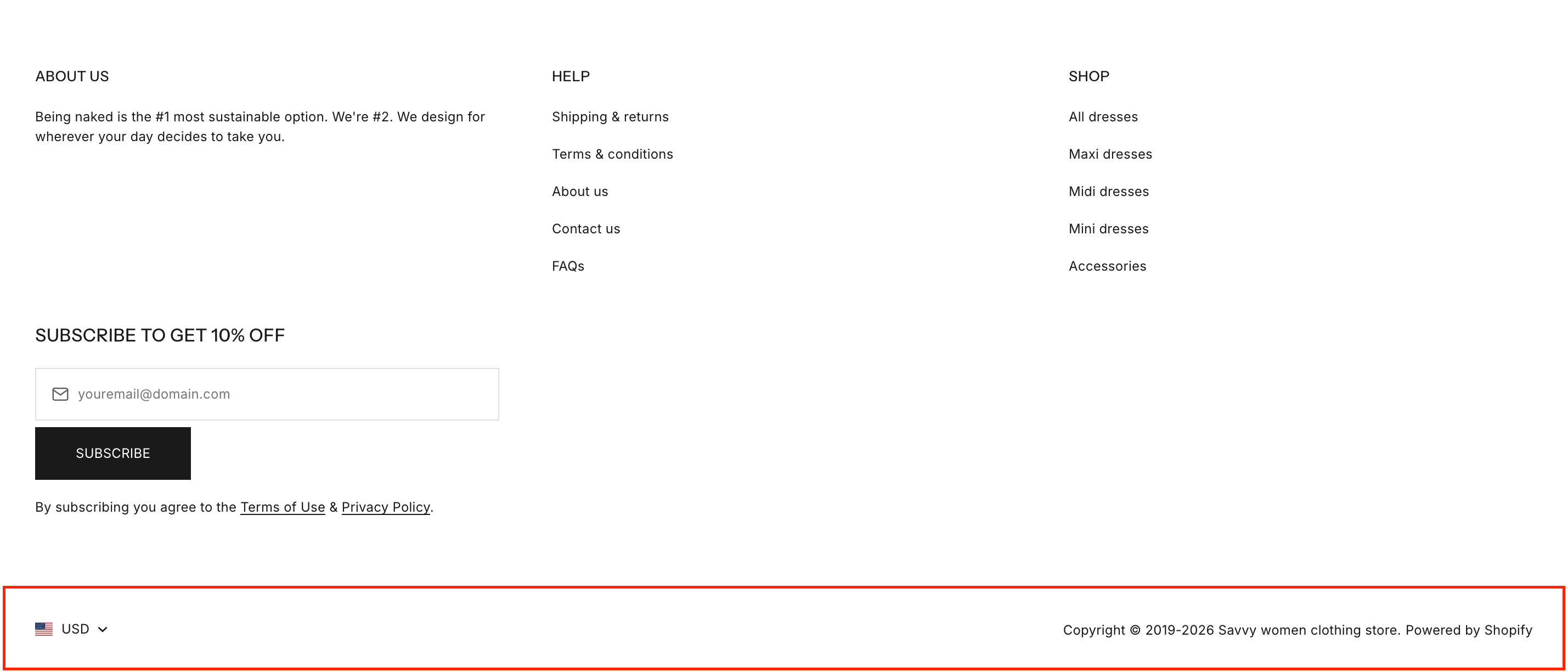
In the Shopify Theme Editor, choose Sections, move over the Footer group, add or select Footer copyright to edit the section. Changes appear in the preview. Click Save to publish them.
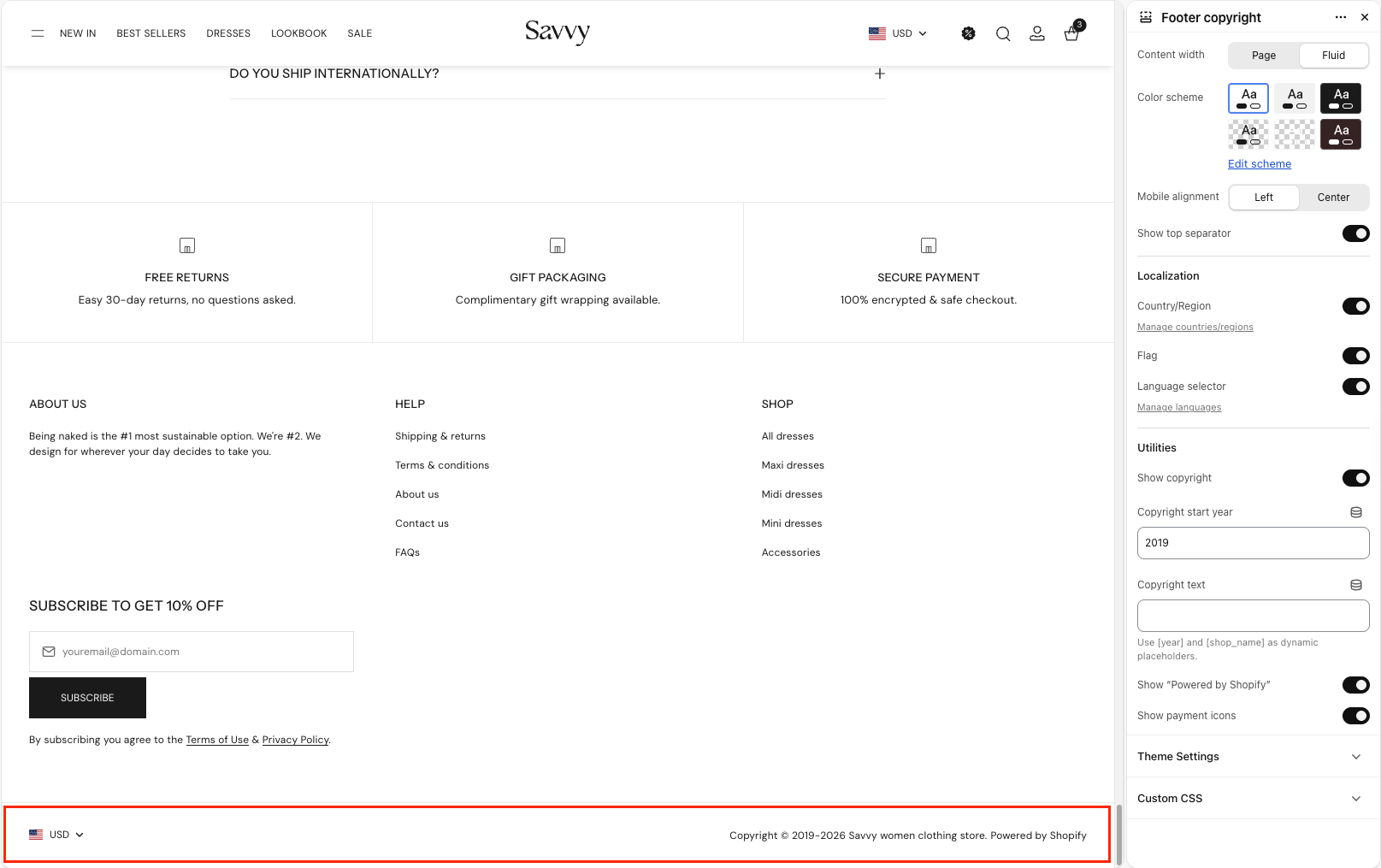
General settings
- Content width: Control how wide the copyright content can extend. Available options:
- Page: Keep the copyright content within the theme’s standard page width.
- Fluid: Allow the copyright content to extend further across the screen.
- Color scheme: Control the colors used in the copyright area.
- Mobile alignment: Control the alignment of copyright content on mobile devices: Left or Center.
- Show top separator: Display a separator line above the copyright area. Enable this when you want to visually separate the copyright area from the rest of the footer content.
Localization
The Localization settings control the country/region and language options displayed in the footer. These settings are useful for stores that support multiple countries, regions, or languages.- Country/region: Display the country or region selector. The Manage countries/regions link takes you to the relevant Shopify settings where your store’s countries and regions can be managed.
- Flag: Display a flag alongside the country or region selector.
- Language selector: Display the language selector. The Manage languages link takes you to the relevant Shopify settings where your store’s available languages can be managed.
Utilities
The Utilities settings control additional information displayed in the copyright area.- Show copyright: Display copyright information in the footer.When enabled, you can configure:
- Copyright start year: Set the starting year displayed in the copyright statement.
- Copyright text: Set custom copyright text. Example: Copyright © [year] [shop_name]
- Show “Powered by Shopify”: Display Shopify’s Powered by Shopify text.
- Show payment icons: Display icons for the payment methods supported by your store. These icons help customers understand which payment methods are available.