

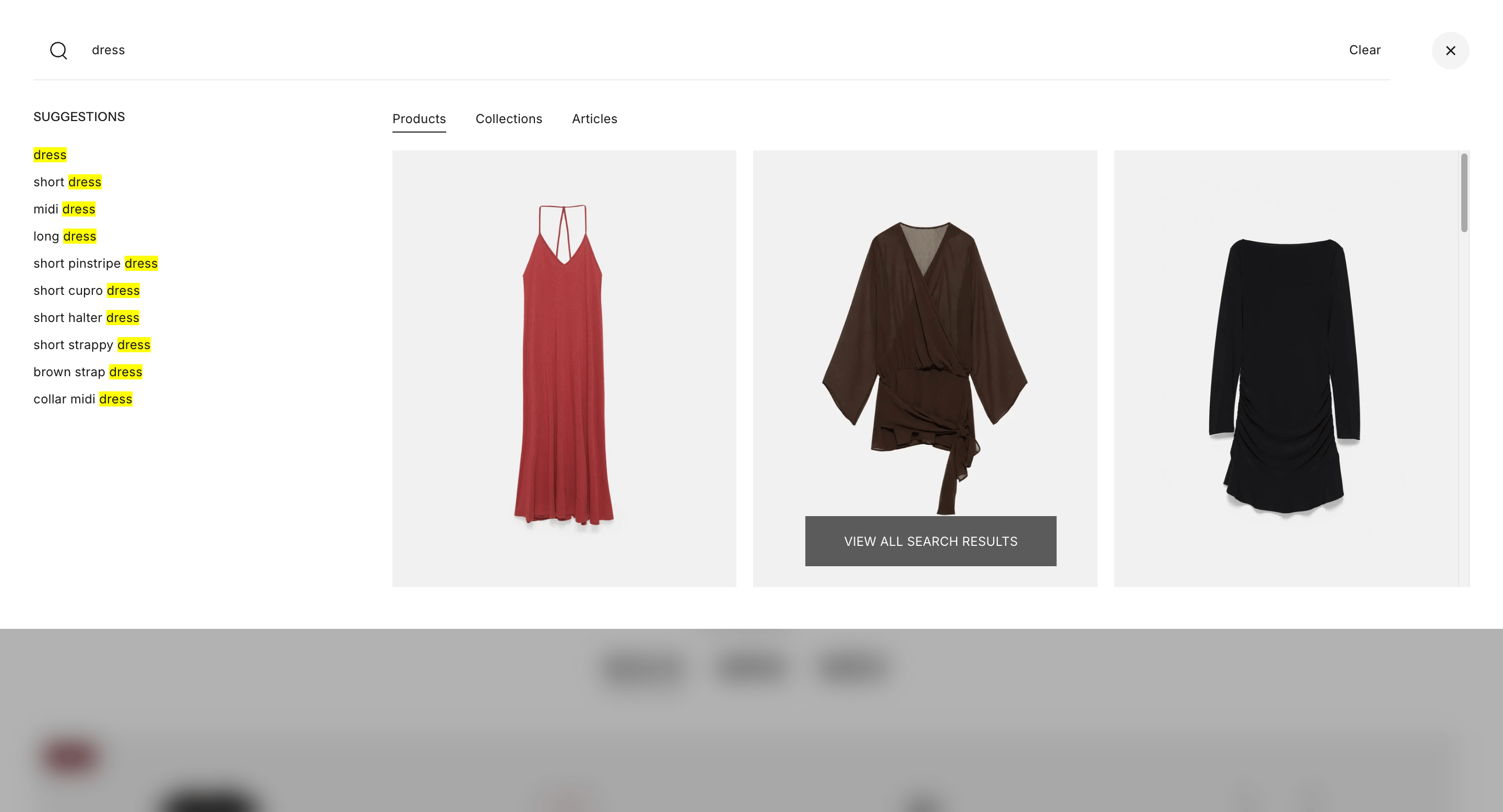
In the Shopify Theme Editor, choose Sections, move over the Overlay group, add or select Search drawer to edit the section. Changes appear in the preview. Click Save to publish them.
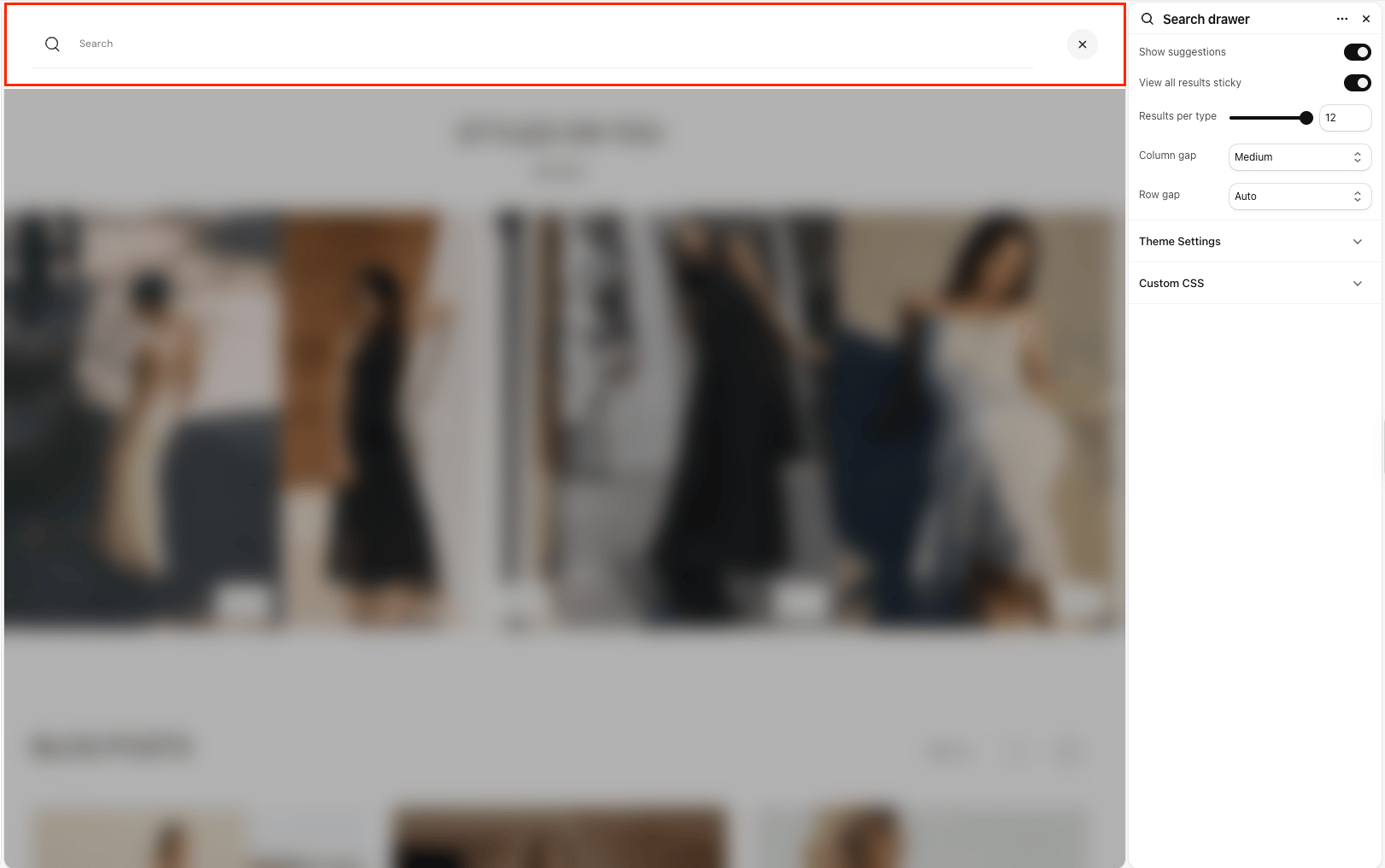
- Show suggestions: Display search suggestions while customers enter a search term. Enable this setting to help customers discover relevant results before completing their search.
- View all results sticky: Keep the View all results button visible while customers scroll through the search results. Enable this setting to make the button remain easily accessible without requiring customers to scroll to the bottom of the results.
- Results per type: Control the maximum number of results displayed for each result type in the search suggestions, from 1–12.
- Column gap: Control the horizontal spacing between columns in the search results. Available options:
- 1 pixel
- 2X small
- Extra small
- Small
- Medium
- Large
- Extra large
- 2X large
-
Row gap: Control the vertical spacing between columns in the search results.
Available options:
- Auto: Same as column gap
- 1 pixel
- 2X small
- Extra small
- Small
- Medium
- Large
- Extra large
- 2X large